Deal-Hunting Guides
PrintStream: How to Save Money and Take Back Control of Your 3D Printer
Has been buying open-box and returned stock for over a decade, and built Warehouse Watcher to stop losing track of it.
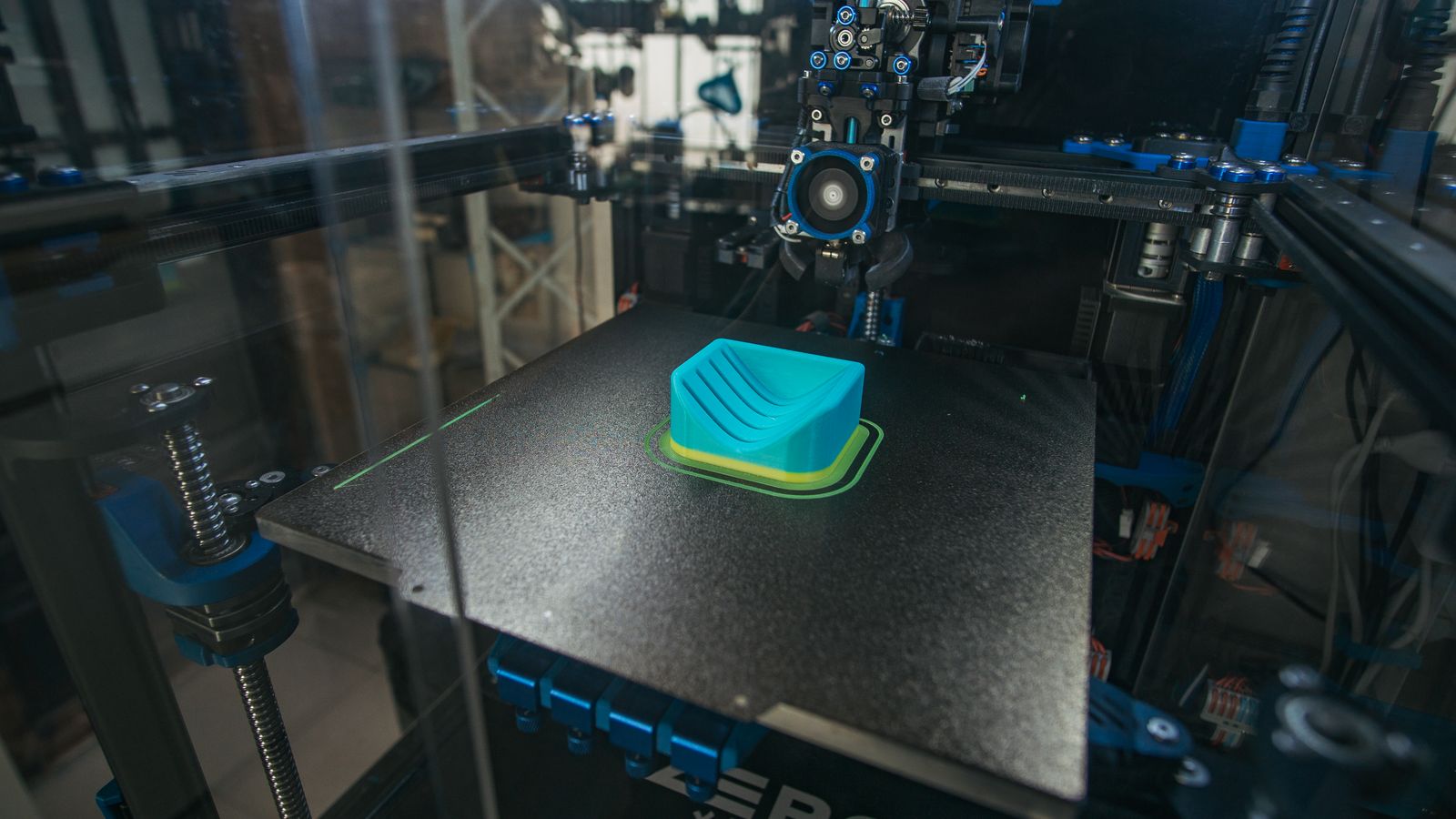
A Bambu Lab printer is cheap to buy and expensive to run badly. Filament wasted on failed prints, a different app for every job, and every file routed through someone else's cloud. PrintStream is one app that runs Bambu printers over your own local network instead: monitor, slice, send and manage your print library from a browser, including from your phone. It is free for personal use, and the self-hosted version puts the whole thing on your own hardware.
The short verdict: if you own a Bambu printer and you are tired of the cloud sitting in the middle, PrintStream is the strongest free option we found. It will not run a Klipper printer today, and commercial use needs a paid licence. But for a home printer or a small farm, it cuts real costs and hands you back control. This guide shows how, what stays private, and where the limits are. PrintStream is made by Dynamic Solutions in Canada. This guide is independent, and we are not affiliated with PrintStream or Bambu Lab.
How PrintStream saves money: four mechanisms, no magic
PrintStream does not make filament cheaper. It saves money by stopping waste and by replacing paid farm software with a free tier that covers most home use. Four mechanisms do the work.
- Free where it counts. Personal, non-commercial use costs nothing: two printers on the hosted service, and no printer limit when you self-host under a community licence. A two-printer home setup pays $0 either way, and a bigger home farm pays $0 self-hosted.
- Fewer failed prints. Dispatch checks the printer model, plate type and nozzle before a job goes out, and maps filaments to AMS slots. The shared print queue, a Pro feature, matches each job to a printer by the filament already loaded. Every failed print you avoid is filament, power and hours you keep.
- Rescue the plate, not just the print. Mid-print object skipping lets you drop one failed object and keep the rest of the plate running, instead of cancelling the whole job and starting over.
- Filament you can actually account for. Live spool inventory counts filament down as prints run, RFID Bambu spools are added automatically, and job stats track filament use, print hours and success rates per printer. That is the data behind a true cost per use: what each print really costs, not what you guess it costs.
For commercial use the math changes, and honestly. Pro is a subscription billed per printer beyond the two included, priced the same whether hosted or self-hosted, and a one-time Lifetime licence covers self-hosting. PrintStream does not publish dollar prices on the pages we checked, so check current pricing at PrintStream before you budget. The annual versus monthly rule applies here too: a one-time licence only wins if you will still be running the farm in two or three years. For personal use, though, the price is $0, and that is not a trial.
Private by design: your files stay on your hardware
The default Bambu workflow sends print traffic through Bambu's cloud. PrintStream does not. It talks to printers directly over your own network, and no print traffic is routed through Bambu's cloud. That is the whole privacy pitch, and it is architectural, not a settings toggle.
Your model and print files stay on hardware by your printers whether you use the hosted service or run it yourself. With hosted PrintStream, a small bridge on your printers' network dials out, so nothing needs port forwarding, and files reach the service only when a feature needs them. Self-hosted, the app, the database, the printer connections and all your files stay on your own machine, as a native Windows or Linux app or in Docker.
- Hosted: fastest start, bridge dials out, no port forwarding, files stay by your printers, two printers free.
- Self-hosted: everything on your hardware, no printer limit on the free community licence, you own updates and backups.
Because the printers are reached over your local network and the app runs in a browser, there is no region-locked cloud account in the middle: the same setup works in the US, Canada, the UK, Germany, France, Italy and Spain.
The honest caveat: files staying local does not mean nothing ever leaves your network. The bridge still connects out so you can reach printers remotely, and some features need files to reach the service. If your requirement is no outbound connection at all, self-host on an isolated network and test what still works. For everyone else, this is a large, real improvement over a cloud-first workflow: your designs are not sitting in a vendor's cloud by default.
Full control: what you can actually do from the browser
Control is where PrintStream earns its place. One shared workspace shows every printer: progress, temperatures, ETA, layer count, AMS contents, camera view and error alerts. From there you can pause, resume and stop prints, control lights and calibration, skip objects mid-print, manage AMS spools and drying, and browse each printer's own storage to reprint straight from the device.
The library is the part most setups get wrong, and PrintStream gets it right: a shared, version-controlled library of 3MF and G-code files in folders, with plate previews, version history and a recycle bin, plus STL and STEP uploads. Approved files live next to the printers, not scattered across downloads folders and chat threads.
Two plugin groups decide whether it fits how you work. The prep plugins, a 3D model studio for arranging plates, transforming objects, painting supports and colours and cutting meshes, and in-browser slicing using Bambu Studio engines with estimates and 3D previews, mean you can prep and slice from a phone with no desktop round-trip. MakerWorld and Printables downloads can be captured straight into the library.
Pro adds the production layer: a shared print queue, production orders built from library files, team members and fine-grained roles with per-printer access, plus service accounts and an audit trail on sensitive actions. Firmware updates are staged over your LAN with live progress, on your schedule, after you see current versus available versions per printer and module. Notifications route to browser push, Discord, email or ntfy, and a Home Assistant integration exposes printers and AMS units for dashboards and automations.
Setup: hosted in minutes, self-hosted in an afternoon
Both paths start the same way. Turn on LAN Only Mode on each Bambu printer and use its access code to connect; newer firmware may also require Developer Mode. That is the step people trip on, so budget time for it and keep the access codes somewhere safe.
- Choose where it runs: the hosted service at PrintStream with a small bridge on your printers' network, or the app on your own machine as a Windows or Linux app or in Docker.
- Enable LAN Only Mode on each printer, plus Developer Mode if your firmware asks for it, and note each printer's access code.
- Add the printers. PrintStream talks to them over the local network; the cloud bridge connects outbound, so you do not open ports at the printer site.
- Upload your library files into folders, enable the plugins you need, and send a test print to one printer before you move your whole workflow over.
Start hosted if you want to evaluate it this week. Move to self-hosted when you know you will keep it: the free community licence removes the printer limit, and your files never leave your hardware at all. Either way, keep Bambu Studio installed. PrintStream integrates with Bambu Studio, Orca Slicer and PrusaSlicer, and a second way to slice is cheap insurance while you learn a new workflow.
The honest limits: who should wait
PrintStream is Bambu Lab only today. Klipper and more printer integrations are coming soon, according to PrintStream, but coming soon is not a feature. If your farm is Klipper, Prusa or anything else, this guide is one to bookmark, not to act on.
LAN mode is a real commitment. It changes how your printers talk to the world, and newer firmware may need Developer Mode too. If you rely on Bambu Handy and the Bambu cloud for everything today, expect a different workflow, not a drop-in clone, and test with one printer first.
Self-hosting means you are the IT department: updates, backups and uptime are yours. Running it yourself brings the ongoing cost to $0, but a farm that must run while you are away needs a machine that stays on and a backup you have actually tested.
Commercial use needs Pro or Lifetime, and the free tier is personal and non-commercial only. Selling prints from a free community licence is outside its terms. And there is no native Mac app listed: installed apps cover Windows, Linux and Android, and Mac users get the full app in the browser or as a PWA.
Verdict: for a Bambu owner who wants lower running costs, local files and real control, PrintStream is the first thing to try, because trying it costs nothing. Start hosted, prove it on one printer, then decide whether self-hosting is worth the maintenance. For everyone else, wait for Klipper support and check back.
Frequently asked questions
Is PrintStream really free?
For personal, non-commercial use, yes. The hosted service covers two printers free, and self-hosting under a community licence has no printer limit. Commercial use needs a Pro subscription or a one-time Lifetime licence for self-hosting. Dollar prices were not published on the pages we checked in November 2026, so confirm current pricing on the PrintStream site before you budget.
Does PrintStream send my files to Bambu's cloud?
No. PrintStream talks to printers directly over your local network, with no print traffic routed through Bambu's cloud. Model and print files stay on hardware by your printers, including with the hosted service, where a small bridge dials out so no port forwarding is needed.
Does PrintStream work with Klipper or non-Bambu printers?
Not yet. Bambu Lab support is available now, and Klipper and more printer integrations are listed as coming soon. Do not buy or switch hardware on the strength of a roadmap.
Is self-hosting PrintStream hard?
It runs as a native Windows or Linux app or in Docker, and the app, database and files stay on your hardware. The harder part is usually the printer side: LAN Only Mode plus an access code per printer, and Developer Mode on newer firmware. Expect an afternoon for a first setup, including a test print.
Do I need PrintStream Pro?
Only for commercial use, or for the Pro plugins: the shared print queue, production orders, team members and roles. Home users get monitoring, control, the shared library, browser slicing, filament tracking and firmware staging without Pro. If you sell prints, budget for Pro or Lifetime.