Deal-Hunting Guides
Kindle Paperwhite vs Kobo Libra Colour: Which E-Reader Should You Buy?
Has been buying open-box and returned stock for over a decade, and built Warehouse Watcher to stop losing track of it.
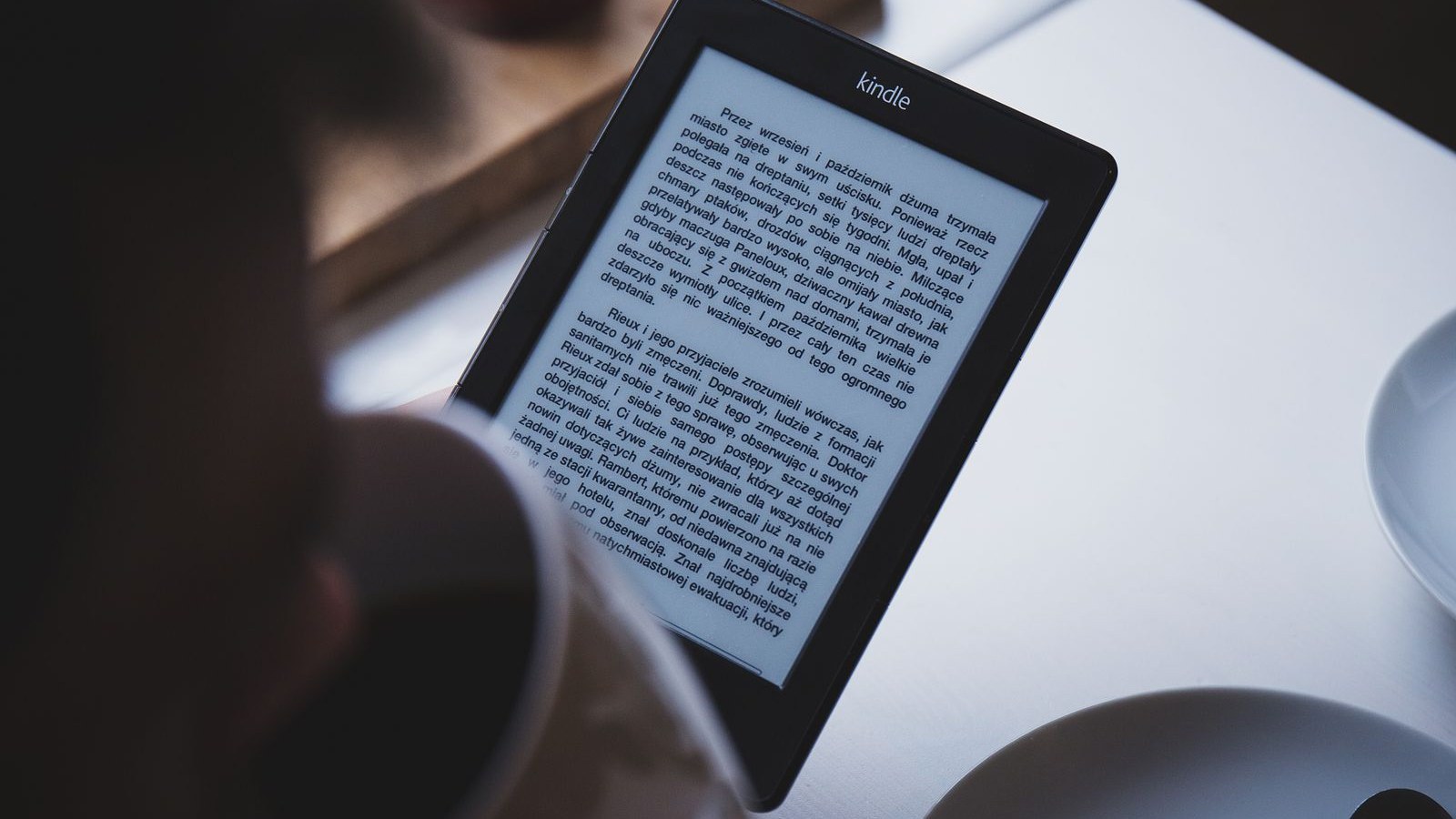
Kindle Paperwhite vs Kobo Libra Colour is the e-reader debate that never dies, and Amazon just reignited it. The redesigned Kindle Paperwhite went on sale October 28, 2026 at $199.99 in the US ($299.99 in Canada), up from $159.99 for the previous model, and a lot of readers are asking whether Kobo's open alternative is the smarter buy.
Here is the short answer. Buy the Kindle Paperwhite if you buy your books from Amazon and mostly read novels: it has the sharper screen, the longer rated battery life, and the lower price. Buy the Kobo Libra Colour if you borrow from the public library, read EPUBs from other stores, want colour for comics and cookbooks, or want physical page-turn buttons and note-taking. The screen is the headline difference, but the ecosystem is the decision.
Disclosure: As an Amazon Associate, Warehouse Watcher earns from qualifying purchases. Product links below are affiliate links and don't change the price you pay. Learn more.
Kindle Paperwhite vs Kobo Libra Colour: the short version
The Paperwhite is the better pure reading machine: a 7-inch, 300 ppi monochrome screen, waterproofing, an adjustable warm light, and a battery rated at up to 12 weeks, for $199.99 in the US with ads ($219.99 without) and $299.99 in Canada. The Libra Colour costs $259.99 in the US ($259.98 on Amazon.ca) and trades some text sharpness for colour, buttons, and freedom.
- Buy the Paperwhite if: you already own Kindle books, you read mostly novels and nonfiction, you use Audible or Kindle Unlimited, and you want the sharpest text for the least money.
- Buy the Libra Colour if: you borrow most of your books from the library, you have EPUB files or buy from stores other than Amazon, you read comics, cookbooks or illustrated books, or you want page-turn buttons and stylus notes.
Skip the Signature Edition ($249.99 US, $349.99 Canada) unless you specifically want the aluminium body, 32 GB, and auto-adjusting light.
Pros and cons: Kindle Paperwhite vs Kobo Libra Colour
Kindle Paperwhite pros
- Sharpest text in this comparison: a 7-inch, 300 ppi monochrome screen with no colour layer dulling the contrast
- Cheapest entry point: $199.99 in the US, $60 less than the Libra Colour
- Longest rated battery life: up to 12 weeks on a charge by Amazon's rating
- IPX8 waterproofing and an adjustable warm light for bath, pool, and night reading
- The biggest ebook store, Kindle Unlimited, Audible sync, and Goodreads built in
Kindle Paperwhite cons
- No colour, so comics, cookbooks, and illustrated books stay in black and white
- No physical page-turn buttons; every page turn is a tap or swipe
- No native EPUB support; files must go through Send to Kindle conversion
- Lock-screen ads unless you pay $20 more for the ad-free version
- Your Kindle library cannot move to a Kobo, or to any other brand
Kobo Libra Colour pros
- 7-inch colour E Ink screen for covers, comics, cookbooks, and colour highlights
- Physical page-turn buttons on an ergonomic grip
- Native EPUB support and built-in OverDrive library borrowing in supported regions
- No ads at any price, and 32 GB of storage as standard
- Optional stylus support for annotating books and notebooks in colour
Kobo Libra Colour cons
- Colour E Ink is muted and slightly softens black-and-white text (150 ppi in colour vs 300 ppi in black and white)
- Costs $60 more than the Paperwhite in the US, and the stylus is sold separately
- Shorter rated battery life: up to 40 days, against the Paperwhite's up-to-12-weeks claim
- Smaller store and subscription catalogue than Amazon's; no Audible sync
- Your Kobo books cannot move to a Kindle
The screens: sharp monochrome vs colour with a trade-off
Both readers use a 7-inch screen, but they are built for different reading. The Paperwhite's monochrome panel runs at 300 ppi with nothing between you and the text, and Amazon says the 2026 model's redesigned display stack gives it the highest contrast of any Paperwhite. Treat that as a manufacturer claim for now, but for plain text, monochrome E Ink is sharper than colour E Ink.
The Libra Colour uses a Kaleido 3 colour panel: 300 ppi in black and white, 150 ppi in colour. Covers, comics, diagrams, and colour highlights all show up in actual colour. The cost is a colour filter layer over the panel, which slightly reduces contrast and makes text a touch less crisp than on the Paperwhite.
Everything else about the hardware is close. Both are IPX8 waterproof, with an adjustable warm light, dark mode, USB-C charging, and a weight around 200 g. The real hardware gap is control: the Kobo has physical page-turn buttons and optional stylus support, while the Paperwhite is touchscreen only. If you read one-handed on a commute or in bed, buttons matter more than any spec sheet suggests.
Ecosystem and library borrowing: where the real decision lives
This is where most buyers should actually decide, because the screen you prefer matters less than the library you already own. Amazon's store is the largest, its deals are the most frequent, and Kindle Unlimited has no true equal on the Kobo side. Audible sync, picking up in the ebook where narration left off, is Kindle-only, and Goodreads tracking is built in.
Kobo's answer is openness. The Libra Colour opens EPUB files natively, so books from other stores and your own files just work, no conversion step. OverDrive is built in, so in supported regions you borrow library books directly on the device. Kobo's store and Kobo Plus subscription are usable, just smaller than Amazon's. And there are no ads on a Kobo at any price, while Kindles show lock-screen ads unless you pay extra.
The switching cost cuts both ways and it is steep. A decade of Kindle purchases does not transfer to a Kobo, and a Kobo library does not transfer to a Kindle. If you already own a large library on one side, that alone usually settles the debate: stay where your books are unless the other device solves a specific problem, like library borrowing or colour reading.
Price and buying smart in the US, Canada, and beyond
In the US, the Paperwhite starts at $199.99 with ads and $219.99 without, and the Libra Colour at $259.99. In Canada, the Paperwhite starts at $299.99 and the Libra Colour lists at $259.98 on Amazon.ca, flipping the value calculation. Prices and library borrowing availability vary in the UK, Germany, France, Italy, and Spain, so check your local store before ordering.
Neither reader needs to be bought at full price. E-readers are classic open-box candidates: they are often returned barely used by buyers who wanted a tablet instead. Check Amazon Warehouse deals explained for how to read condition grades, and watch the country feeds on WarehouseWatcher, which tracks open-box, sales and lightning deals across all seven countries: US deals, Canada deals, and UK deals.
Buy the Kindle Paperwhite if Amazon's store is home. Buy the Kobo Libra Colour if the library, EPUB files, colour, or buttons matter more. The Kobo Stylus 2 is sold separately; add it only if you will actually mark up books or keep notebooks.
The verdict: which e-reader for which reader
For most readers, the winner is the Kindle Paperwhite. It is cheaper in the US, sharper for the novels most people actually read, and it plugs into the store and services most readers already use. The 2026 price hike stings, up from $159.99, but at $199.99 it is still the default recommendation, and a discounted 2024 model is an even better deal.
For library borrowers, EPUB collectors, comic and cookbook readers, and anyone who wants buttons and notes, the winner is the Kobo Libra Colour. It is the more flexible device, it has no ads, and in Canada it is currently the cheaper option at list price. Its colour is muted and its text slightly softer, but if you need what it offers, nothing at this price replaces it.
Buy neither if you already read happily on a phone or tablet. An e-reader earns its price in long, distraction-free sessions, not in features. Pick by your library first and your screen second.
Frequently asked questions
Can I read my Kindle books on a Kobo Libra Colour?
No. Books bought from Amazon use Amazon's DRM and only open on Kindle devices and Kindle apps. Kobo books likewise only open on Kobo devices and apps. If you switch brands, your old library stays behind on the old device or app.
Can a Kindle Paperwhite read EPUB files?
Not directly. A Kindle cannot open an EPUB file as-is. Send it through Amazon's Send to Kindle service, which converts it. A Kobo opens EPUB files natively, with no conversion step.
Is the Kobo Libra Colour worth it if I only read novels?
Probably not. If your reading is almost entirely novels in black and white, the Paperwhite gives you a sharper screen for $60 less in the US, and the colour layer on the Libra Colour slightly softens text. Buy the Kobo for colour content, buttons, notes, or library borrowing, not for novels alone.
Should I buy the new 2026 Paperwhite or the older model on sale?
Watch for clearance and open-box prices on the outgoing 2024 Paperwhite first. The new model's higher-contrast screen claim is unconfirmed by independent tests, so a discounted 2024 model is the better deal for most readers. If you want the newest hardware, buy the 2026 model and skip the Signature Edition unless you want the aluminium body and auto-adjusting light.